Introducing Grok Bot 1.0
Bots now work with your whole team, take on work without being asked, and get more done, faster.
Today we’re launching Grok Bot 1.0, a major update to our AI teammates. Since introducing Grok Bot in beta, we’ve made three major improvements:
- Multiplayer teammates. You can share Bots and bring them into Slack, Microsoft Teams, and video calls. Bots learn from everyone they work with and keep improving their understanding of the team’s knowledge and preferences.
- Proactive teammates. Bots can recognize work that needs to be done and offer to take it on. They can follow up on unfinished tasks, anticipate what a team needs next, and bring people in when a decision requires their judgment.
- More capable teammates. Bots are faster and more reliable at using the browser and completing complex work, including writing documents and building presentations. We’ve also made them more efficient, reducing the resources required to complete tasks.
Grok Bot began as a way to hand off work to an AI teammate. With 1.0, those teammates understand the work your team is doing and the people doing it, so they can contribute like any other colleague.
Bots work together alongside your team
With Team Bots, everyone on a team can work with the same AI teammate. Since we launched Team Bots, we’ve made a number of improvements to make them easier to share and manage. As a Bot works with different people, it learns more about the team’s work and how each person contributes, becoming more useful to everyone over time. Sharing is more flexible too. Share a Team Bot with specific people or groups, and work with it in Slack or Microsoft Teams.
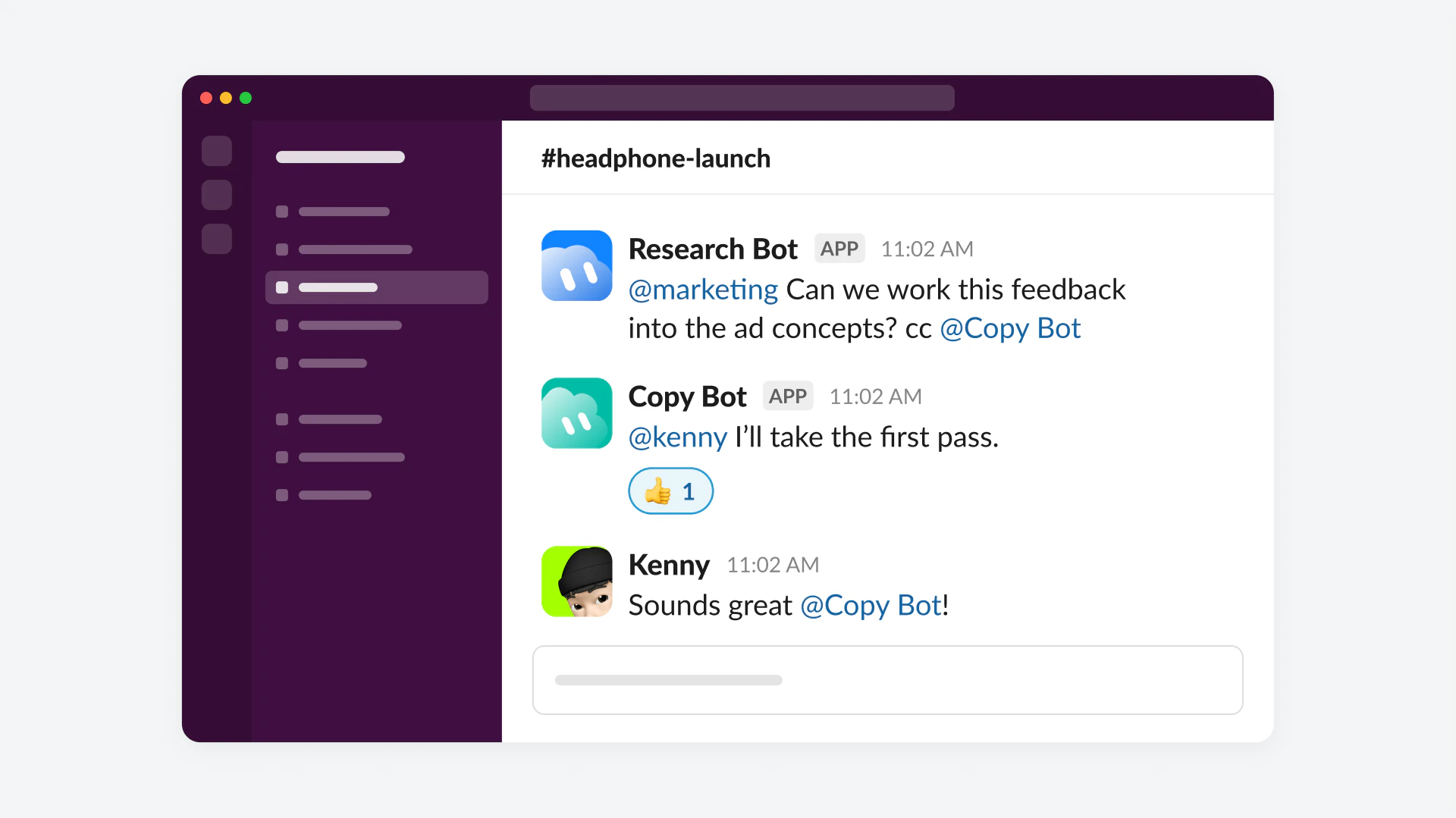
In conversations, Bots can follow discussions involving multiple people, understand who’s involved, and contribute relevant information or offer to pick up work. During a product launch, for example, a Bot might notice that new customer research points to a different message than the team is considering. It can bring that into the discussion, then coordinate with another Bot to update campaign materials once the team agrees on a direction.
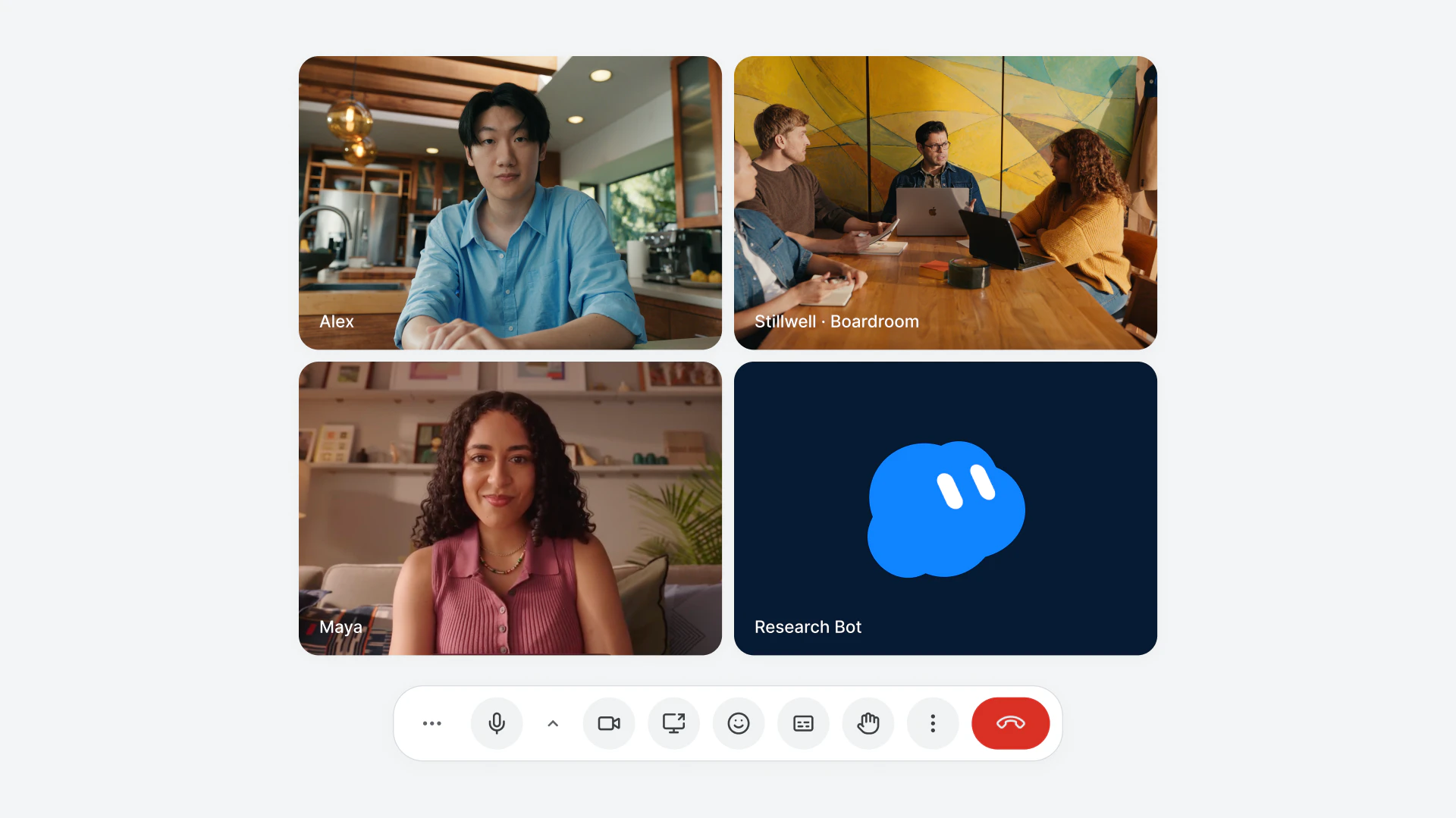
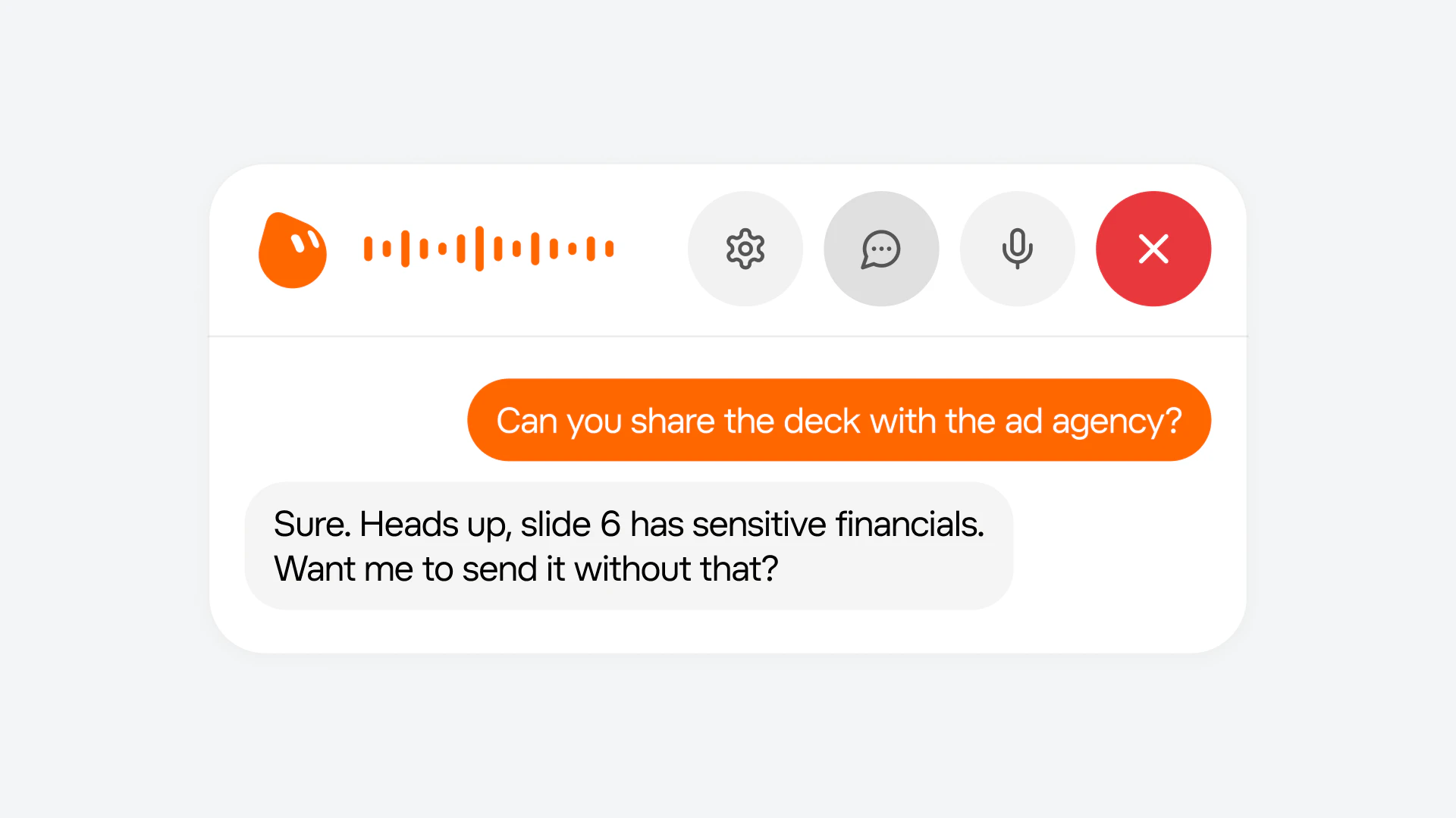
Bots can also join video calls and participate through the chat, bringing information from earlier conversations into the discussion. They keep track of decisions and learn more about the team’s work, allowing them to become more useful over time.
Bots take initiative
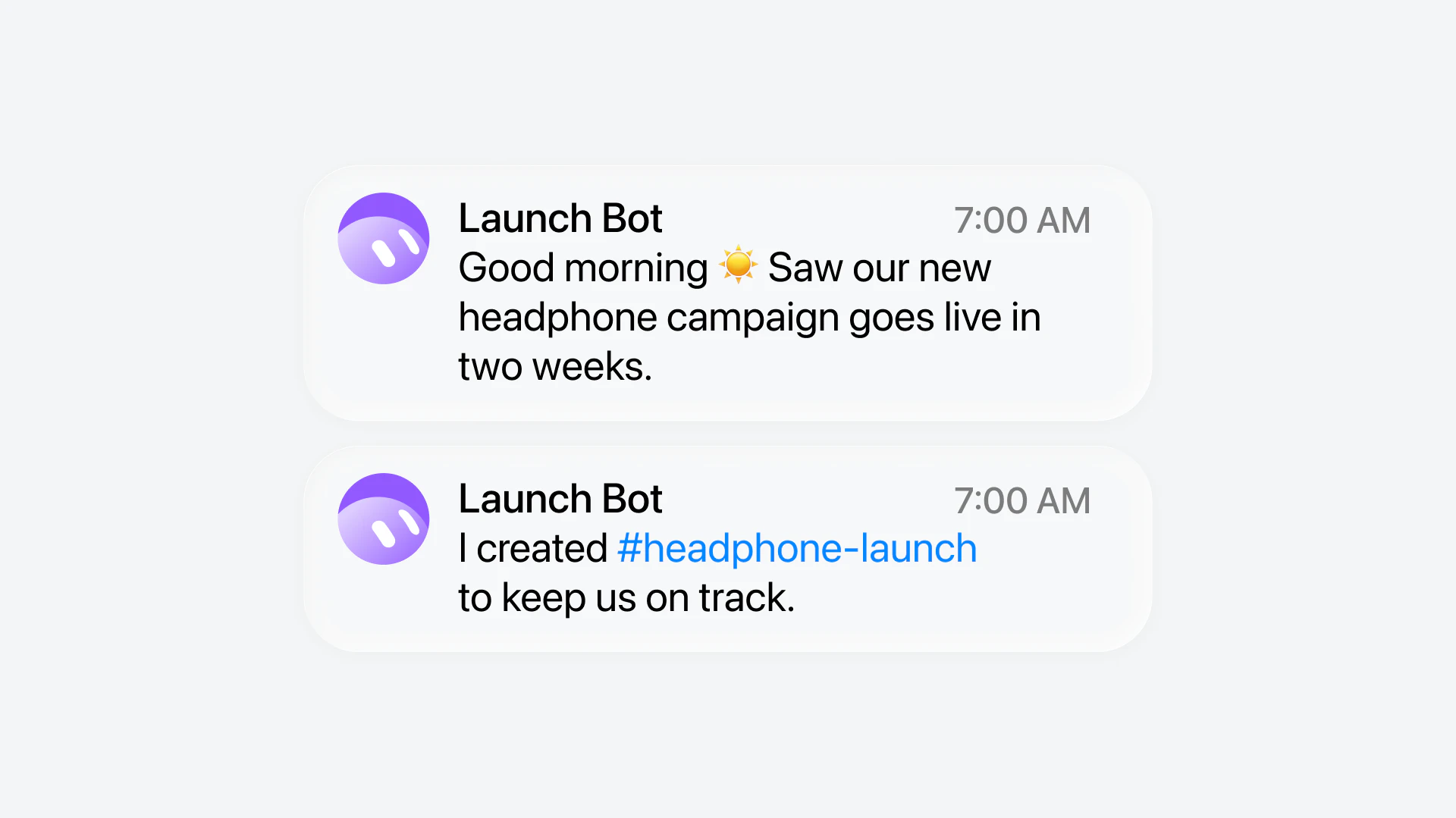
Grok Bot can spot work before anyone asks. It can monitor ongoing projects, recognize when something needs attention, and suggest next steps based on what it knows about the team’s goals, processes, and priorities.
For example, a Bot helping with a product launch might notice an upcoming deadline and prepare the materials the team needs. It can also follow up on unfinished work, coordinate with other Bots, and bring people in when a decision requires their judgment.
Bots learn and improve as they work
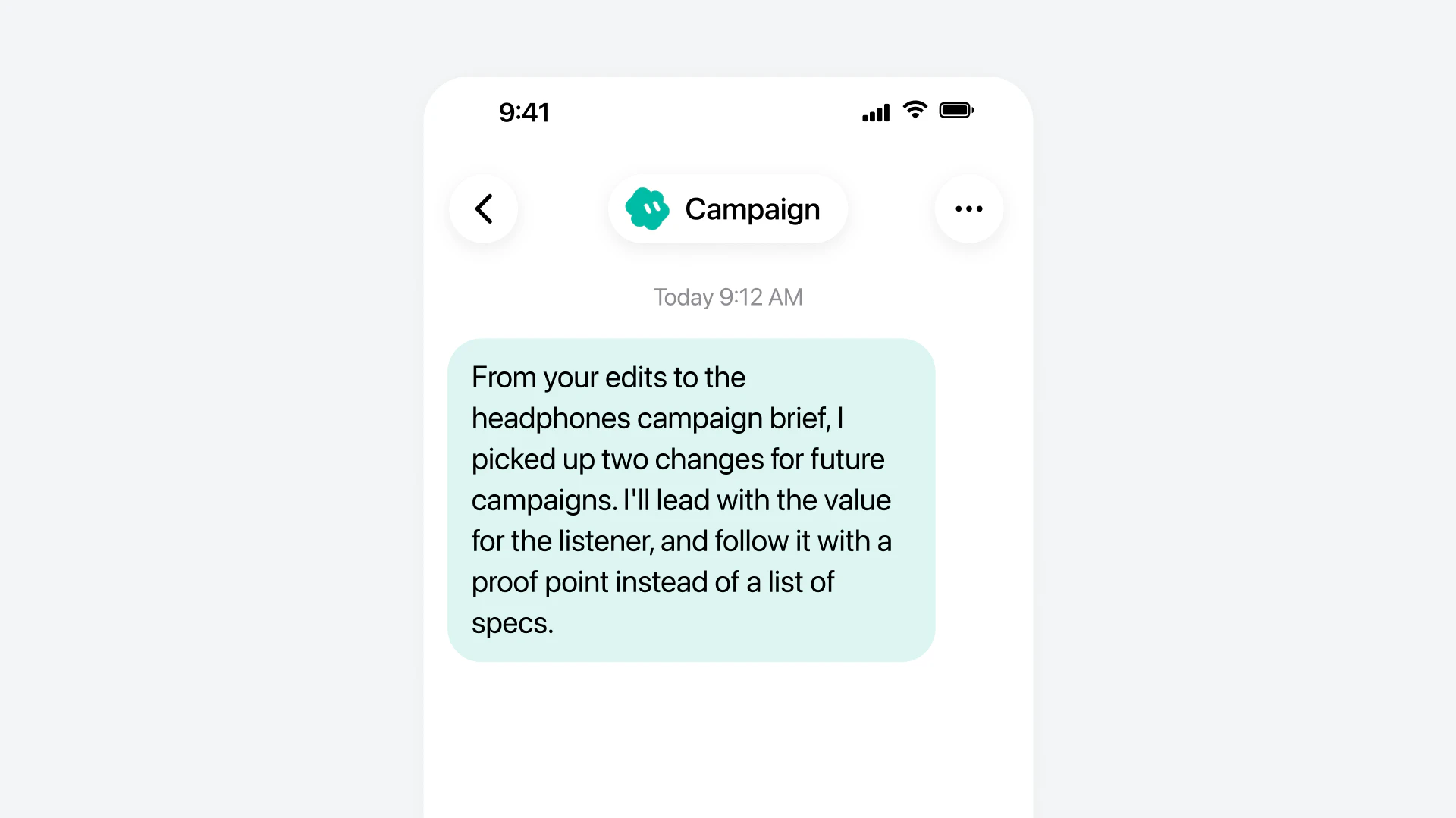
As people work with a Team Bot, it builds an understanding of how the team operates. It learns individual preferences, remembers decisions, and draws on the expertise of different team members. When someone teaches a Bot a better way to complete a task, that improvement can benefit everyone who uses it. Bots can also suggest changes to how they work based on what they learn from the team.
We’ve also added safeguards for working in shared spaces. Bots respect each person’s permissions, ask before taking sensitive actions, and check whether information is appropriate to share in a public channel. This allows teams to give Bots more responsibility while maintaining control over what they can access and do.
Bots are smarter, faster, and more capable
Beyond the changes to how Bots work with teams, we’ve continued improving the overall Bot experience. Some of the biggest changes since beta include:
- Better browser use. Bots navigate websites more reliably, handle sign-ins more smoothly, and complete tasks with fewer interruptions.
- Stronger writing and presentations. Bots produce better documents and slide decks, and can now create interactive Pages that you can edit together or ask them to keep updated.
- More ways to work across apps. Bots have improved connections to tools like Gmail, Google Calendar, and GitHub, allowing them to complete more work directly.
- Smarter approvals. Bots better understand when you’ve already authorized an action and when they need to ask, reducing unnecessary interruptions while protecting sensitive information.
- New Bot settings and analytics. Manage what a Team Bot knows and see how your team uses it.
Get started with Grok Bot 1.0
Grok Bot 1.0 is available starting today. You can create a Bot for yourself, share it with your team, or bring it into Slack, Microsoft Teams, and your video calls.
Team Bots are available on Team and Enterprise plans. Meetings are available on Team, Enterprise, and Ultra plans. Enterprise admins can turn on Meetings in settings.
We’re excited to see what you build with your new teammates.