Grok Imagine

∣

Available in API

Grok Imagine API

From prompt to pixel-perfect reality.

State-of-the-art image and video generation, editing, and restyling — one API for every visual modality.
Up to 2K resolution10 images per requestVideo up to 15sFrom $0.02 / imageVideo with audio from $0.02 / sec

Text & image to video

Product demos, visual effects, and creative content. Turn a photo into a cinematic video with smooth pans, zooms, and reveals.

  • Text-to-video and image-to-video in one API
  • Up to 15-second clips with motion control
  • High-fidelity output across photoreal and stylized scenes

Virtual try-on

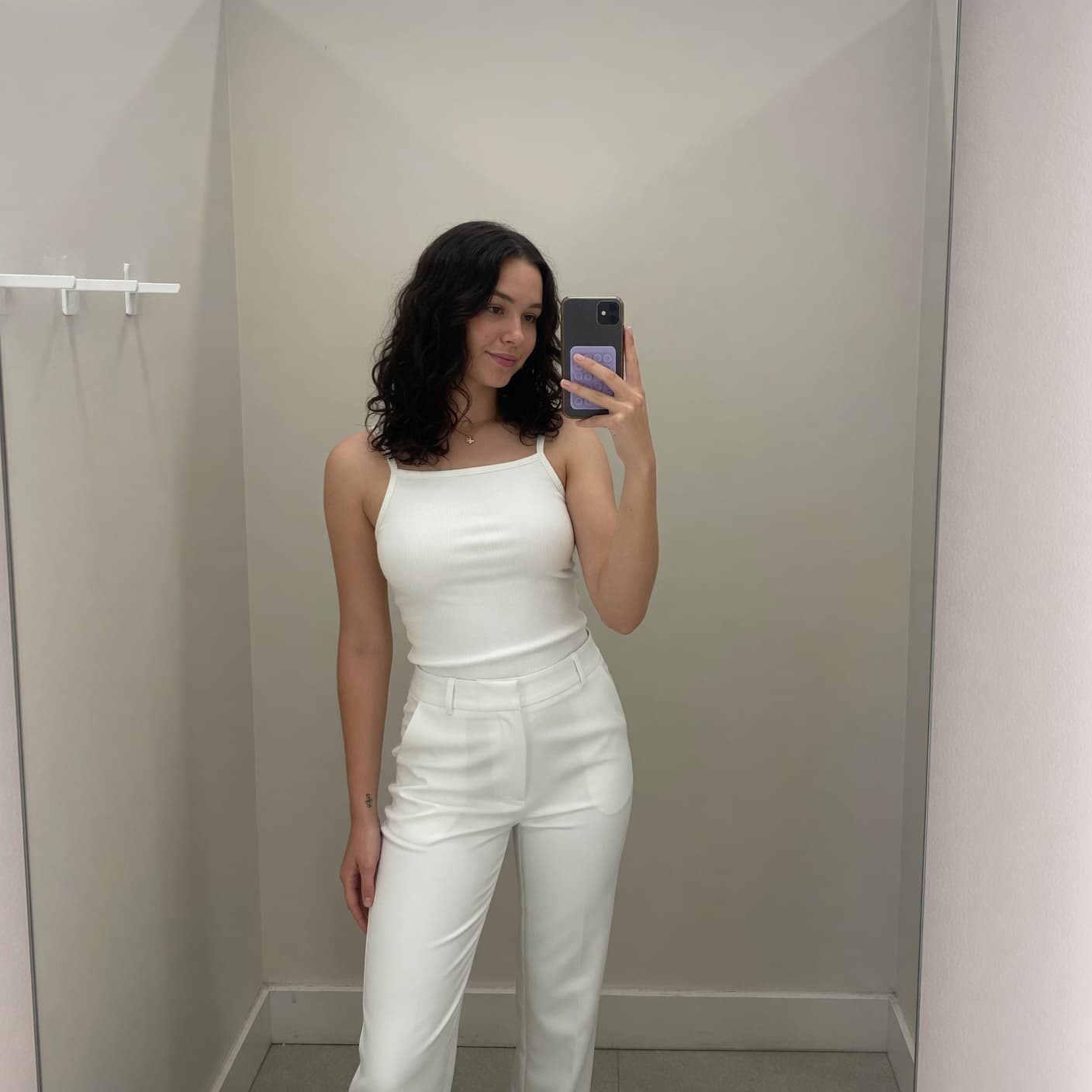
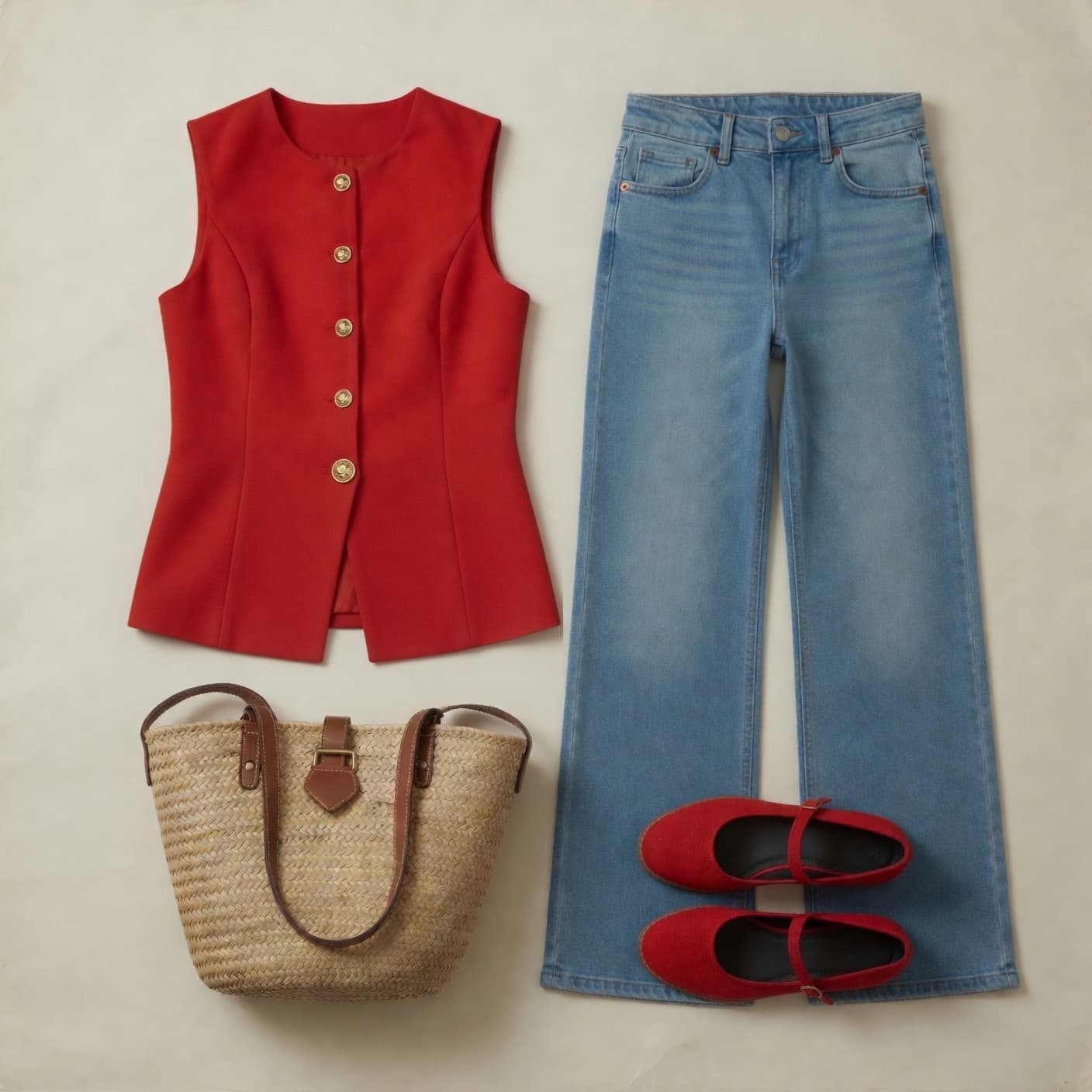
Upload a photo of a person and a clothing item — the API generates a video of them wearing it. Perfect for e-commerce and fashion.

  • Combine product and client references into one shot
  • Preserves garment shape, texture, and color
  • Returns ready-to-use video for product detail pages
Product
Product
Client
Client
Try-on

Product placement

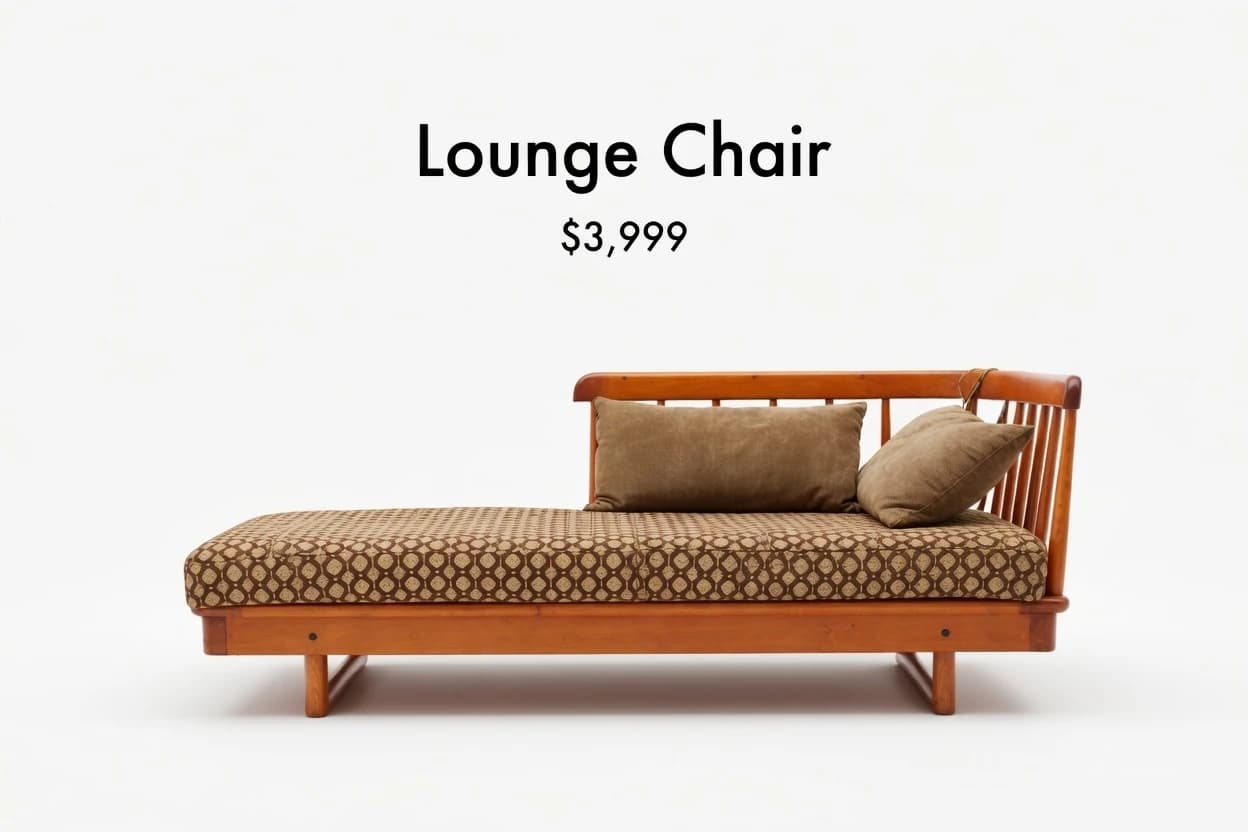
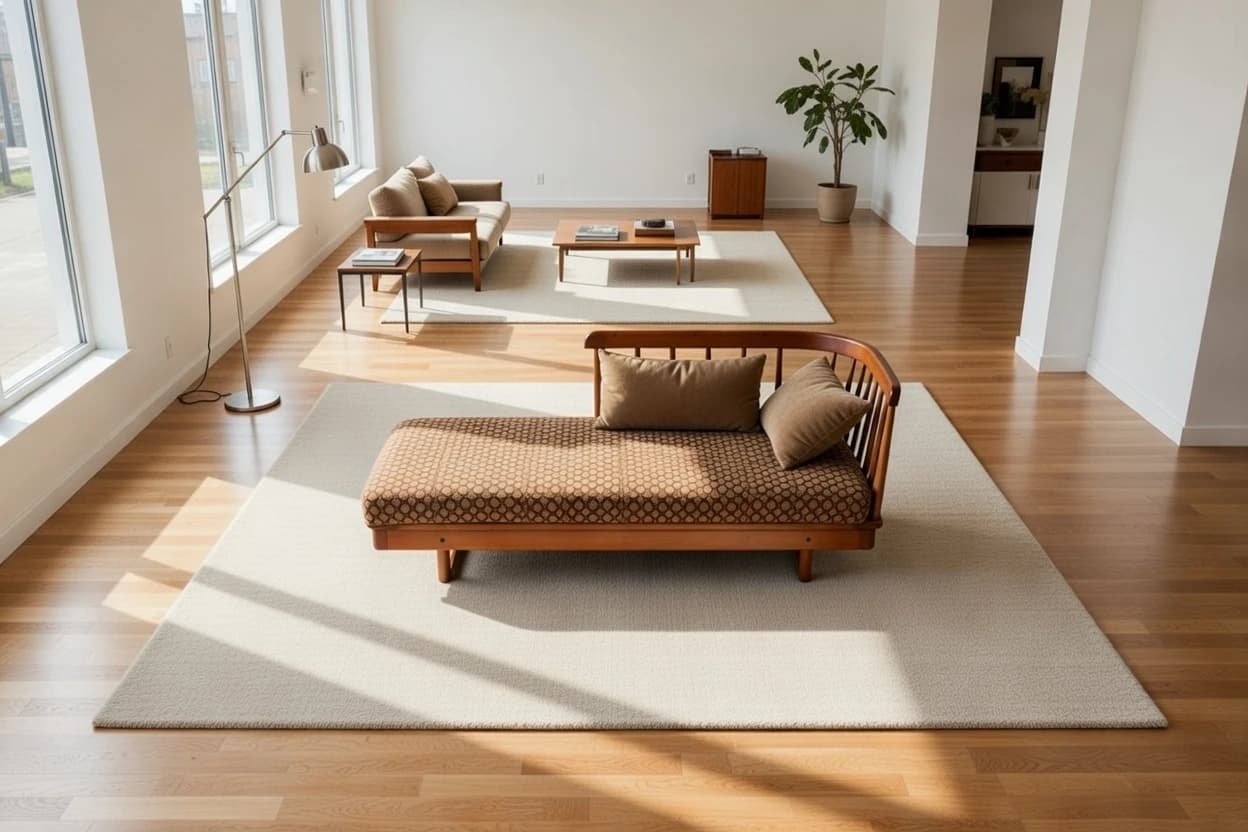
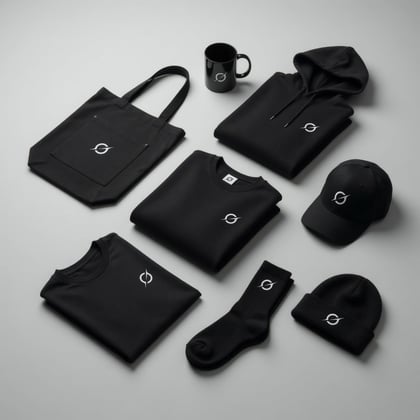
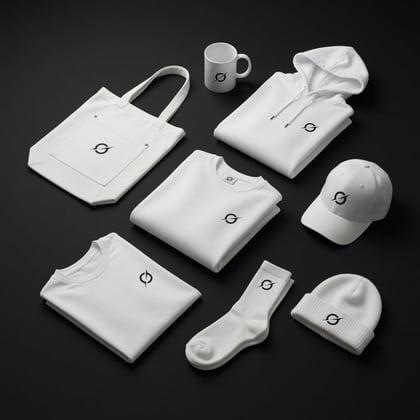
Turn a single product photo into scroll-stopping content for every channel. Generate up to 10 images per request at 2K resolution.

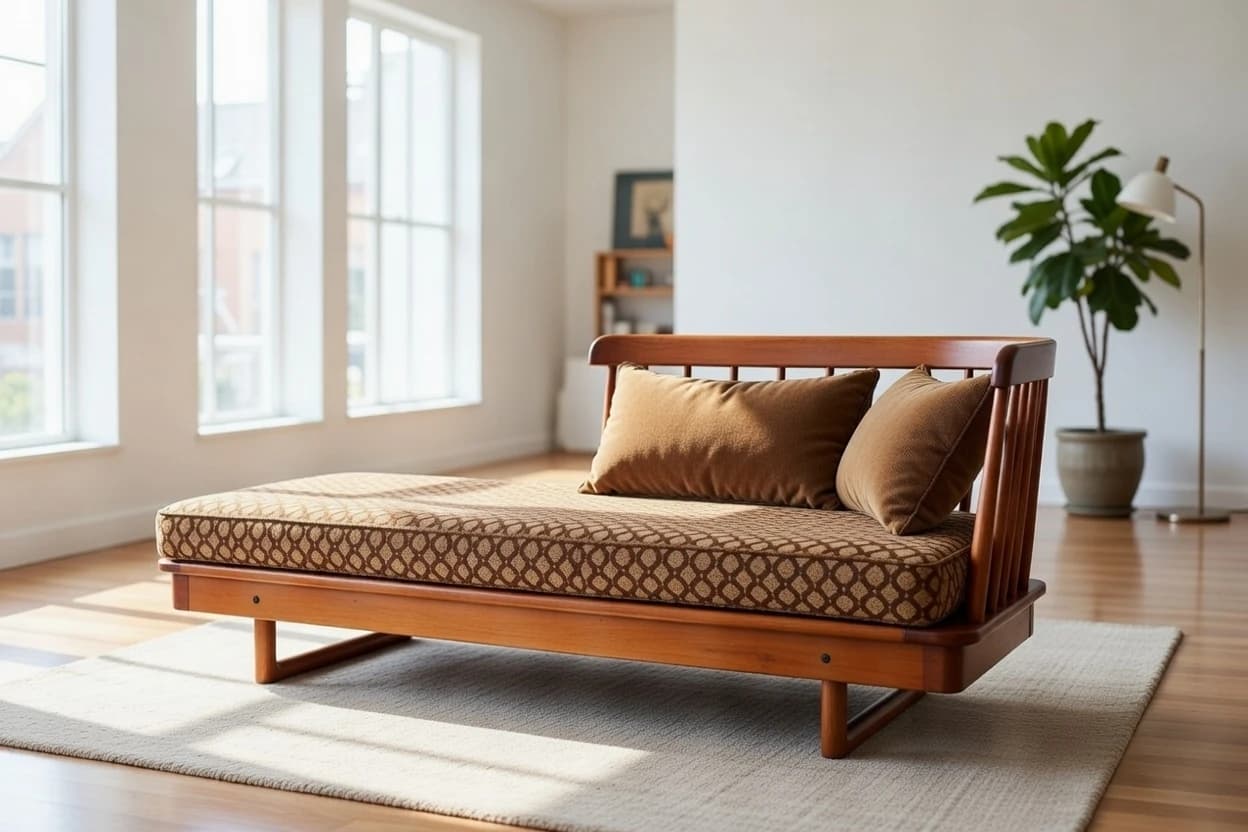
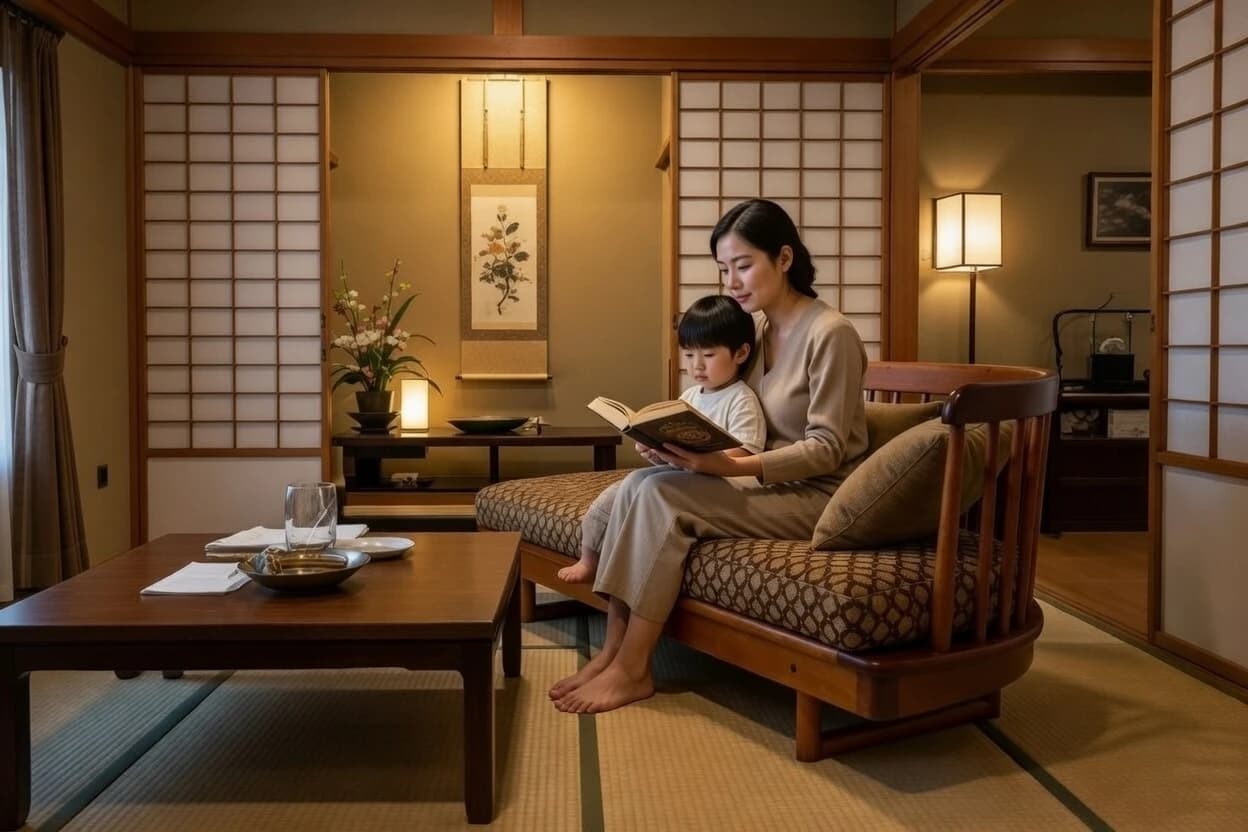
  • Restage your product in any environment or angle
  • Add people, change perspective, or shift the scene
  • Up to 10 images per request at 2K resolution
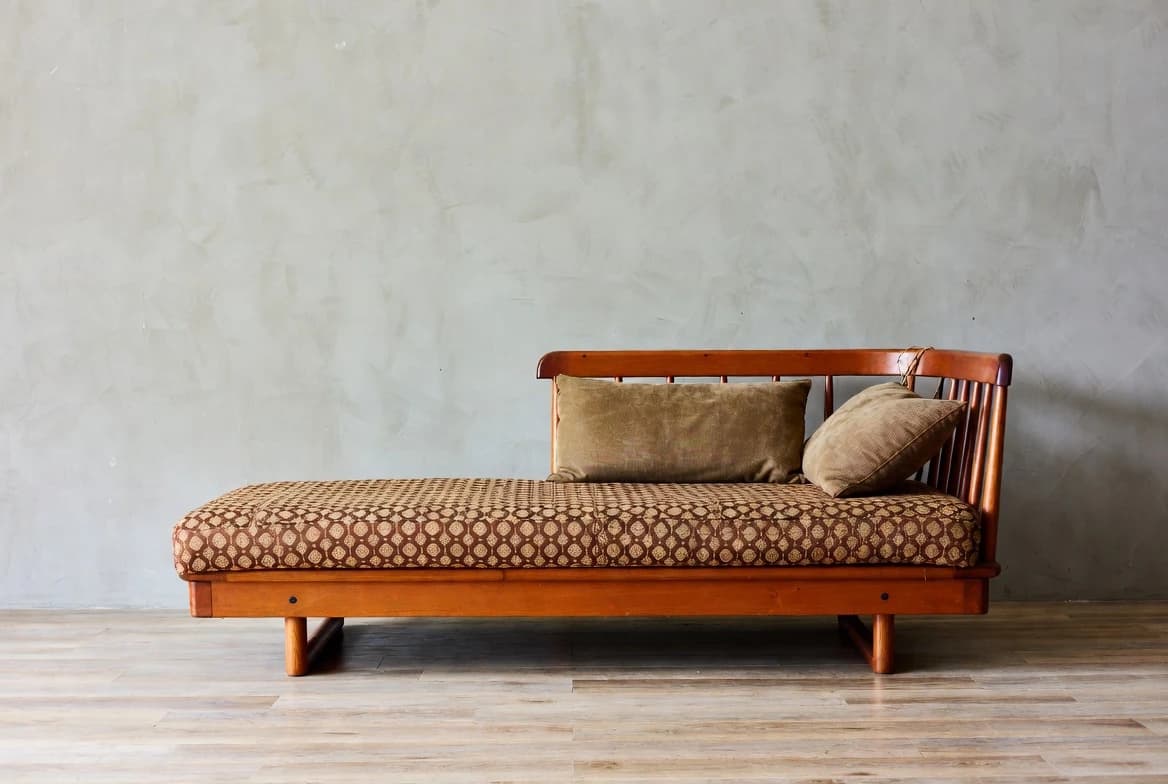
Original

Precision edits

Edit colors and objects with accuracy for complete control over your product showcase.

  • Target specific attributes without disturbing the rest
  • Iterate on colors, materials, and details in seconds
  • Switch between image and video edits on demand

Creative restyle

Seamlessly switch between styles to reinvent the experience in seconds. Drag the slider to compare the original with the restyle.

  • Apply cinematic, anime, retro, watercolor, and more
  • Side-by-side compare with the source video
  • One source — endless creative directions
Original
Block

Mockups into reality

Turn your rough ideas into multiple realities at the click of a button.

  • Go from sketch or render to polished output
  • Explore variations across mood, lighting, and style
  • Bridge concept and production with a single prompt
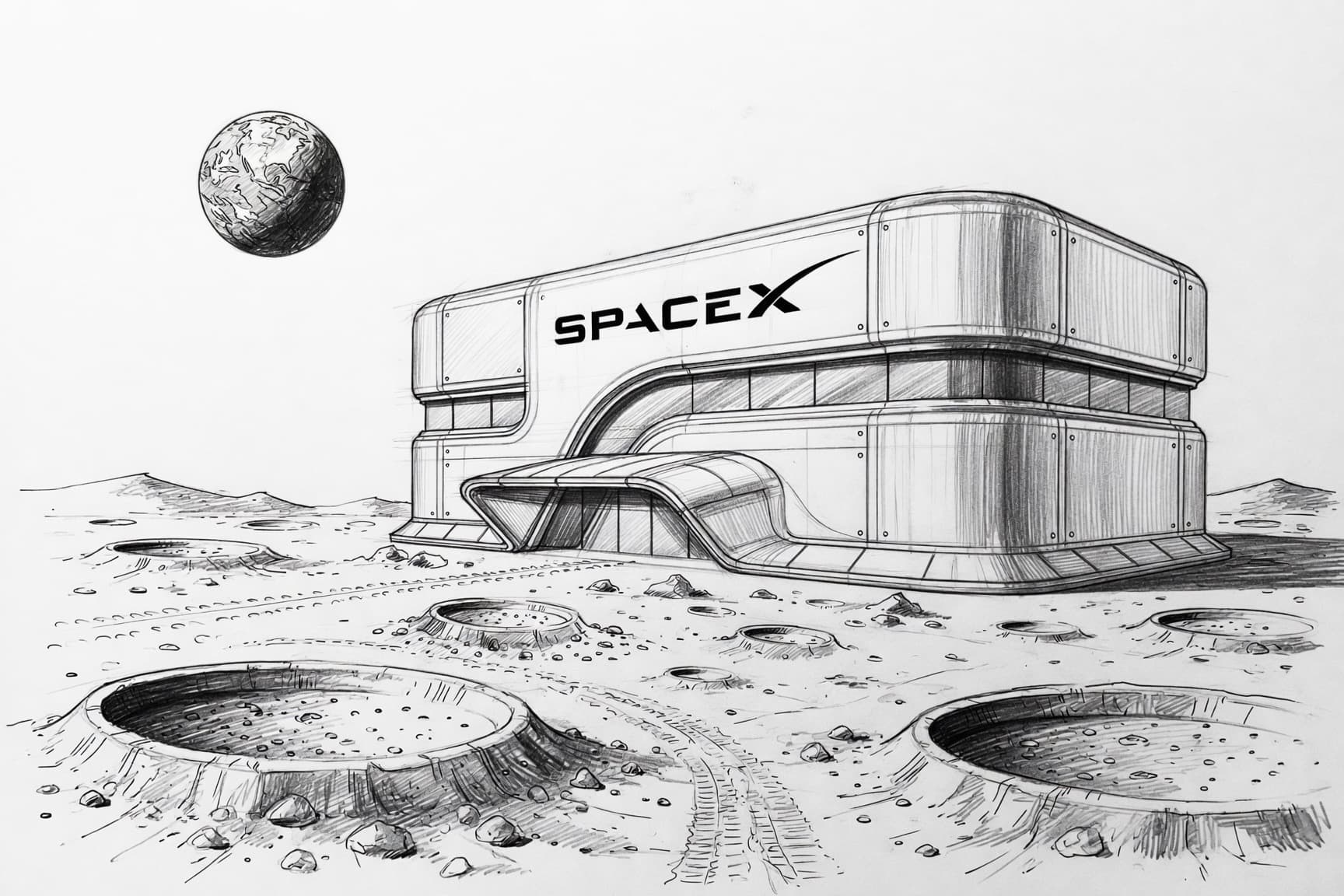
Sketch

Ready to build?

Start generating images and videos with just a few lines of code.

import xai_sdkclient = xai_sdk.Client()response = client.video.generate(    prompt="A glowing crystal-powered rocket launching from Mars",    model="grok-imagine-video",    duration=10,    aspect_ratio="16:9",    resolution="720p",)print(response.video.url)

Powerful without compromise

ModelRankPriceLatency
grok-imagine-video
1
Veo 3.1 Fast
4
Veo 3
5
Sora 2 Pro
9
Sora 2
12

Source: Artificial Analysis Text-to-Video Rankings, 2026-01-28

“Grok Imagine API delivers outstanding video quality with native audio generation, combining photorealistic realism, strong creative style, and an impressive level of control.”

fal

Common questions

About image and video generation, editing, and pricing. For a deeper dive, visit the docs.

The Imagine API supports text-to-image generation, image editing with natural language, style transfer, and multi-image compositing. You can generate up to 10 images per request at 1K or 2K resolution across a wide range of aspect ratios. View the full image generation guide

The API supports text-to-video, image-to-video, and reference-to-video. On grok-imagine-video-1.5, reference-to-video takes up to 14 reference images and 3 voice references, and you can pin first, last, and mid-video frames. grok-imagine-video also edits and extends videos. Videos run up to 15 seconds at 480p, 720p, or 1080p, with generated audio. Generation is asynchronous: submit a request, then poll for the result. View the full video generation guide

Pricing varies by model and resolution. Images start at $0.02 each on grok-imagine-image, at 1K or 2K. Video is billed per second of output, from $0.02 per second on grok-imagine-video-1.5-lite (480p, audio included). Text input is free. See detailed pricing

Images support a wide range of aspect ratios including 1:1, 16:9, 9:16, 4:3, 3:4, 2:1, and more, at 1K (1024×1024) or 2K (2048×2048) resolutions. Videos support 1:1, 16:9, 9:16, 4:3, 3:4, 3:2, 2:3, 21:9, and 5:2 at 480p, 720p, or 1080p. Image-to-video keeps your image's aspect ratio. Learn more

Yes. For images, pass one to three source images along with a text prompt — the model will apply your edits while preserving the original composition. For videos, provide a source video (up to 8.7 seconds) and a text prompt to modify it. You can also chain multiple edits by feeding outputs back as inputs. See editing examples

Create an API key at console.x.ai, then install the official Python or JavaScript SDK. Image generation is a single synchronous call; video generation uses an async polling pattern. Both use Bearer token authentication. Read the quickstart guide

Default rate limits and input constraints vary by endpoint and are subject to change. View the latest limits in the docs. If you need higher rate limits, contact sales to discuss a plan that fits your needs.

Yes. All generated images and videos go through automatic content moderation. Content that violates usage policies may be blocked. Learn more

AI product placement uses generative AI to insert your product into new visual contexts without a physical photoshoot. Instead of hiring photographers, renting locations, and staging scenes, you provide a product photo and a text description of the desired setting. The AI generates a realistic image or video with your product naturally placed in that environment. View the image generation guide

Yes. Use the image endpoint to create static ad creatives and the video endpoint to produce video ads, all from the same product photo. View the video generation guide

Each API call generates a new variation with different scenes, backgrounds, lighting, and contexts. Batch requests programmatically to produce hundreds of unique images and videos from a single product photo. This makes it easy to A/B test ad creatives, generate seasonal variants, produce localized content for different markets, and keep your ad library fresh without repeated photoshoots. Learn more about image generation

Yes. Feed the output URL of a generated image back into the edits endpoint with a new prompt to refine it. Chain multiple rounds of edits to adjust lighting, swap backgrounds, or tweak the product placement until you get the exact ad creative you need. See the iterative editing guide

Yes. Images and videos both come in 1:1, 9:16, 16:9, 4:3, and 3:4. There is no 4:5 or 1.91:1 option; crop those from 3:4 and 16:9.